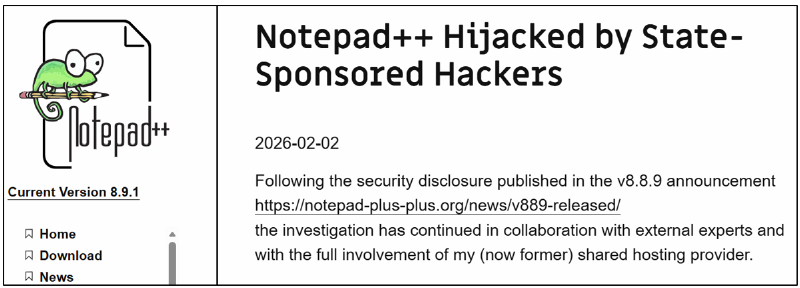
February in the cybersecurity world started with a major story about the compromise of the update infrastructure for the popular Notepad++ editor. For several months, attackers had access to the Notepad++ update center and distributed custom malware to targeted victims.
Attacks on the supply chain became possible due to the hacking of a provider that hosted the update center. This happened back in the summer of 2025, but it only became known now, thanks to an incident investigation by Rapid7.
How to detect the attack
Our colleagues have released a detailed analysis of the attacks based on the infected Notepad++ updates. The same publication contains a large list of indicators of compromise. First of all, it is recommended to:
— check if the NSIS installer, which was used in the first stage of all the mentioned attacks, was used in your systems; this can be identified by system logs showing the creation of the %localappdata%\Temp\ns.tmp directory;
— search for connections to services on the exotic domain temp[.]sh in network traffic logs. This is very atypical behavior for corporate systems, but very typical for connections to C2 servers that were used in these attacks.
What else can the SOC see?
In such cases, quite simple detection rules can help, which show that trusted software (which is neither a browser nor any interpreter) suddenly starts downloading and executing untrusted binary files.
And to detect specifically this attack with fake Notepad++ updates, we recommend:
— Check if the gup.exe process (Notepad++ updater) accessed atypical addresses, in addition to notepad-plus-plus.org, github.com, and release-assets.githubusercontent.com. Any other domains or IP addresses in update requests are a cause for concern.
— If there are corresponding logs, you can check what gup.exe downloaded and executed. The appearance of a child process of gup.exe with the name update.exe or AutoUpdater.exe, especially in the user’s temporary folder, is a clear indicator of an attack.